
Cybersecurity on Telegram and Instagram: Protecting Your Digital Footprint in 2026
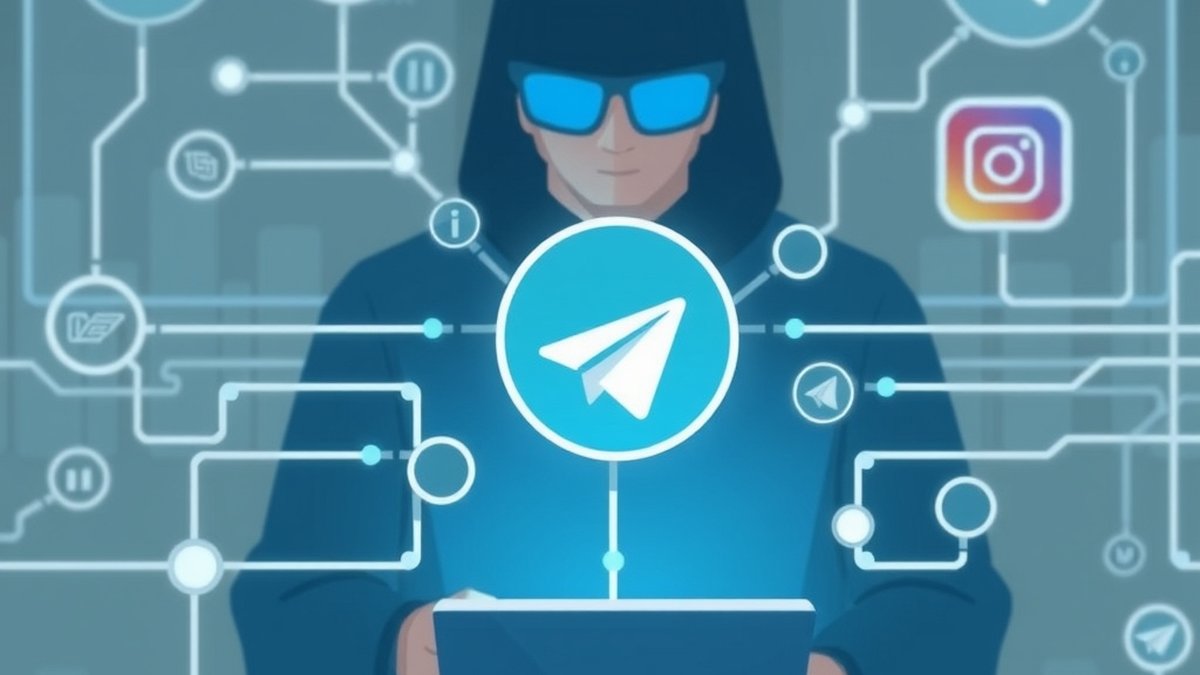
Learn the most effective and practical ways to protect your Telegram and Instagram accounts from scammers in 2026. A vital guide to ensuring your digital security.
Threats on social media: The 2026 landscape
As digital technologies evolve, so do the methods used by scammers. In 2026, incidents of personal data theft or account hijacking on Telegram and Instagram have become even more technologically sophisticated. Nowadays, beyond simple text messages, fraudsters are using artificial intelligence to mimic voices or forge videos.
Your data is a digital asset. Protecting it is not just about personal privacy, but also a safeguard for your financial stability. Below, we review step-by-step methods to ensure your account security.
Setting up Two-Step Verification on Telegram
The foundation of Telegram security is Two-Step Verification (2FA). With this feature, you are required to enter not only an SMS code but also a custom password you have set to access your account.
- Go to Telegram Settings.
- Select the "Privacy and Security" section.
- Click on "Two-Step Verification".
- Set a strong and memorable password. Note: Don't forget to link your email address to recover it if you lose your password.
This simple step is the biggest barrier for scammers attempting to steal your account. Even if someone obtains your SMS code, they cannot access your account without the password.
Recognizing phishing links on Instagram
On Instagram, scammers often send phishing links via fake messages like "your account has been hacked" or "a complaint has been filed against you." These links redirect you to a fake login page.
To identify a phishing link, pay attention to the following signs:
- Check the URL: Does the link end with the official instagram.com or a suspicious domain (e.g., instagram-support-help.xyz)?
- Message content: If the message is urgent and pressures you to "update your password" quickly, it is likely a scam.
- Sender address: Instagram never sends official messages via suspicious accounts.
If you receive a suspicious link, do not click it; immediately block the sender and report the profile.
IP address and digital footprints
In many cases, users forget that their IP address can reveal their location and the device they are using to scammers. To monitor your personal information, check what data your network is currently transmitting by visiting the IP address lookup page.
When using public Wi-Fi networks, it is recommended to use VPN (Virtual Private Network) services. This encrypts your internet traffic and prevents scammers from stealing your data.
Constant monitoring of account activity
Both Telegram and Instagram have an "Active Sessions" section that shows where and from what device your account is logged in. Here, you can identify unrecognized devices and immediately terminate them.
| Platform | Settings Path | Recommendation |
|---|---|---|
| Telegram | Settings -> Devices | Check once a month |
| Settings -> Security -> Login Activity | Remove unknown devices immediately |
If you receive a notification about a login from an unknown device, change your password immediately and terminate all other sessions.
Protection against "Deepfake" attacks using AI
In 2026, scammers have enhanced their deception methods by using artificial intelligence to forge the voices or video footage of people you know (deepfakes). They may call you mimicking the voice of an acquaintance, asking for "urgent help" or a "money transfer." It is crucial to remain vigilant in such situations.
- Control question: If a loved one unexpectedly asks for money, verify it with a pre-agreed secret code question.
- Reliable source: After any suspicious message, contact that person through another communication channel (e.g., by phone) to clarify the situation.
- Analyzing videos: In deepfake videos, pay attention to eye movements, lip synchronization, and unnaturalness in overall image quality.
Remember, no official organization or loved one will ever demand that you urgently transfer money to cryptocurrency or suspicious wallets. Such demands are always signs of fraud.
Common cybersecurity mistakes
Many users make simple but extremely dangerous mistakes when protecting their accounts. In the 2026 digital environment, these mistakes can lead to the total loss of an account.
- Password reuse: Do not use the same password for all social networks. If one site's database is breached, scammers can gain access to all your accounts.
- Not clearing old devices: Failing to log out of accounts on old phones/computers that have been sold or are no longer in use poses a serious risk.
- Not managing permissions: Granting excessive rights (contacts, gallery, microphone) to apps and bots leads to personal data leaks.
To fix these mistakes, use a Password Manager. These tools create complex, unique passwords for every account and store them securely. Additionally, every 3-6 months, review the "App Permissions" section in your account settings and remove any unnecessary ones.
Digital hygiene on public networks
Open Wi-Fi hotspots (cafes, airports, libraries) serve as a ground for scammers to steal information. In 2026, "Man-in-the-Middle" attacks conducted through these networks have become more sophisticated.
When connected to a public Wi-Fi network, try to avoid logging into banking apps or platforms where you exchange personal messages. If necessary, always use a VPN service.
Also, try not to share excessive information about yourself on social media. The background of a photo you post, geolocation, or personal items can help scammers find you or guess password recovery questions (e.g., "what is the name of your first pet?"). Always set your "Who can see this?" settings to "Friends only".
Frequently Asked Questions
What happens if I forget my Two-Step Verification password?
If you forget your 2FA password and haven't linked an email address, you may lose access to your account permanently. Therefore, when setting up 2FA, always enter an active and accessible email address.
What happens if I send a code to someone?
Never share an SMS code received from Telegram or any other social network with anyone else. This code is the key to opening your account on another device. If you give this code to someone, scammers can take over your account.
How can I make my Instagram account "Private"?
Go to the settings menu, navigate to the "Privacy" section, and turn on "Private Account." This ensures that your posts are only seen by your approved followers and restricts strangers from tracking your information.
Hozirça izoh yöq.