
Social Media Security: A Complete Guide to Protecting Your Account in 2026
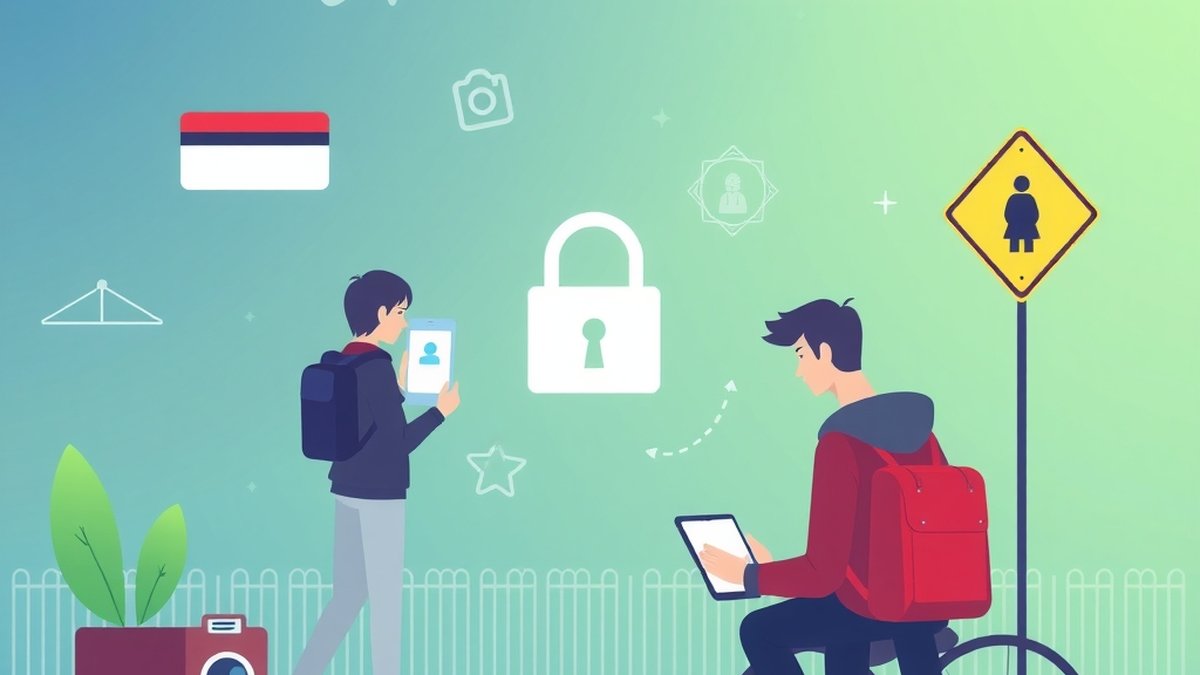
Why is digital security important?
In 2026, cybersecurity is no longer just a technical concept but an integral part of daily life. Social media platforms are not just for communication, but are hubs for financial transactions and the exchange of personal documents. With the rising number of fraudsters, protecting your account means safeguarding your digital assets.
Many users think their accounts "cannot be hacked," but statistics show that most cyberattacks occur due to simple negligence. Weak passwords, clicking on suspicious links, or using public Wi-Fi networks put your information at risk.
Two-Factor Authentication (2FA) and its importance
Two-Factor Authentication (2FA) is an extra shield for your account. Even if a hacker discovers your password, they cannot access the system without the second verification step. In 2026, every social media user must enable this feature.
- SMS Codes: The most common, but least secure method.
- Authenticator Apps: Apps like Google Authenticator or Authy generate codes in offline mode.
- Backup Codes: A set of one-time codes provided to access your account if you lose your phone.
Always check your 2FA settings and keep backup codes in a safe place (e.g., in paper form or encrypted storage). This will save you if your phone is stolen or your SIM card is swapped.
Managing sessions and removing unknown devices
Social media platforms show you which devices are currently active. This is called "Sessions" or "Active Devices." If you have logged into your account on someone else's computer or phone, you should not forget about it. In 2026, checking this list weekly should become a habit.
How to check:
- Telegram: Settings -> Devices -> Terminate all other sessions.
- Instagram: Settings -> Security -> Login activity.
If you see a city, device, or browser you don't recognize in the list, terminate that session immediately and update your password. This is the fastest way to protect your data from unauthorized hands.
How to identify phishing links?
Fraudsters often send fake messages like "Your account has been blocked" or "You have won a prize." Through such links, they attempt to steal your logins and passwords. In 2026, scammers are creating even more convincing messages using artificial intelligence.
Security rules:
- Never click on suspicious links, especially if they come from unknown numbers.
- Check the link address carefully (e.g., instead of telegram.org, it might be teleg-ram-support.net).
- Official platforms will never ask you for your password or 2FA code via chat.
- In any dangerous situation, go directly to the official application, not through the link in the message.
It is also useful to check your IP address online and know which region you are connecting to the internet from. You can read more about this on our IP Lookup page.
Hiding personal information and privacy settings
Many people leave their phone numbers, birthdays, and addresses open for everyone. Fraudsters can use this information to message your loved ones "on your behalf." Switch your privacy settings to "Contacts only" or "Nobody."
- Practical tips:
- Set your profile picture to be visible only to your contacts.
- Hide your phone number so strangers cannot find you.
- Do not share information like "secret questions" (mother's maiden name, school name) on social media, as they can be used to reset passwords.
Also, archive or delete your old posts and private photos from time to time. The smaller your digital footprint, the safer you are.
Password management and complexity strategy
In 2026, using one simple code for all social media accounts to make it easier to remember is one of the biggest mistakes. If one site is compromised, scammers can take control of all your accounts with a single password. It is essential to set a unique and complex password for each social media site.
Using password managers is the best solution. Programs like Bitwarden, 1Password, or KeePass store all your passwords in an encrypted state and require you to remember only one "master password." These tools automatically generate complex, random character sequences (e.g., K#9zP!2vL8mQ$5t).
- Common mistake: Using birth dates, pet names, or simple numerical sequences (123456) in your password.
- Practical advice: Your password should be at least 14 characters long and include uppercase and lowercase letters, numbers, and special characters.
- Test: Use "password strength meter" tools on secure sites to check your password's strength, but never enter your actual password into online platforms.
Defending against social engineering and "friendly" fraud
In 2026, fraudsters are relying more on the human factor than technical attacks. In a method called "social engineering," they pose as your close acquaintances or friends. They often manipulate you with messages like "I'm out of money, I need urgent help" or "I need you to check something for me."
The most important rule in such situations is not to let emotions take over. If someone demands urgent action, stop and analyze the situation immediately. Never send your personal data or bank card codes to third parties in urgent situations.
- Verification: If an acquaintance sends a strange message, verify it through another communication channel (a call or another messenger).
- Suspicious requests: If someone unexpectedly asks you to "transfer money" or "click this link," it is 99% likely to be fraud.
- Awareness: Before responding to messages from a "hacked account" on social media, clarify the situation.
Digital hygiene and device protection
The security of your social media account depends directly on the security of the device you are using. If your computer or smartphone is infected with a virus, even the most complex password cannot protect you, as hackers can track your keystrokes (keylogger).
Regularly updating your software is the most important security step. Updates are often released to close holes that hackers exploit. Also, avoid installing suspicious applications. Only download apps from official App Store or Google Play stores.
| Security measures | Level |
|---|---|
| Using antivirus software | High |
| OS (Operating System) update | High |
| File transfer encryption | Medium |
| Avoiding public Wi-Fi networks | High |
Frequently asked questions
Does two-factor authentication help if I forget my password?
2FA does not reset your password; it simply stops strangers from entering your account. If you forget your password, you can recover it through your email address or backup codes.
Is it dangerous to log in from someone else's phone?
Yes, it is very dangerous. If you log in from another person's device, use "Incognito" mode and close the session completely when you leave.
What should I pay attention to on Wi-Fi networks?
Public Wi-Fi networks (cafes, airports) can be a source for scammers to steal information. Do not enter personal data in such places or use a VPN service.
How often should I change my password?
It is recommended to update your password twice a year. However, the most important thing is that your password is complex (a mix of letters, characters, and numbers) and that you do not use it on other sites.
Hozirça izoh yöq.