
Social Media Fraud: How to Protect Yourself in 2026?
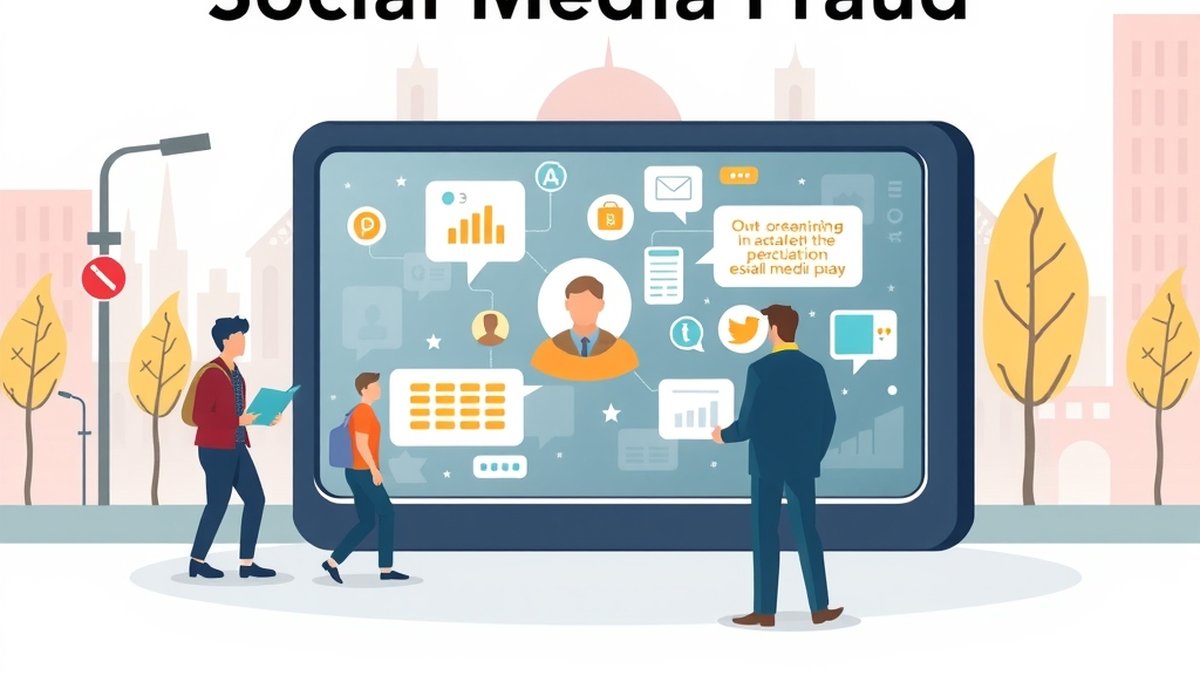
Modern manifestations of fraud on social media
In 2026, social media has become not only a place for communication but also a primary arena for cybercriminals. Scammers can now use artificial intelligence to clone the voices or videos of your loved ones to ask for money or send phishing links. The main goal of such attacks is to steal your personal information or gain access to your bank card.
Fraudsters often appear in the guise of trusted friends. It is crucial to analyze the situation before opening any link or file they send. If you receive an unknown or suspicious link, do not click on it without verifying its source. Always check your device's IP address; it helps identify if someone is monitoring you: Identify IP address.
The art of detecting phishing links
Phishing is a method of tricking users into entering personal information (passwords, card numbers). In 2026, these links have become very professional. To identify them, pay attention to the following signs:
- Incorrect URL: Even if the link looks like an official site, letters may be swapped (e.g., instagran.com instead of instagram.com).
- Sense of urgency: Phrases like "Your account will be blocked" or "Help urgently" prompt you to act without thinking.
- Shortened links: Do not trust links shortened via Bitly or other services if you cannot see the original destination.
Always hover your mouse over the link (or long-press on a phone) to check its real address. If the link directs you to an unexpected place, close the page immediately.
Two-factor authentication: The strongest protection
Stealing a password is easy, but two-factor authentication (2FA) is a serious barrier for scammers. In 2026, every social media user must enable this feature. This means that after entering your password, you are required to provide a confirmation code via SMS or an authenticator app.
Follow these tips when setting up 2FA:
- Use apps instead of SMS: Apps like Google Authenticator or Authy are more secure than SMS because they are harder to intercept.
- Save backup codes: If you lose your phone, keep the provided backup codes in a safe place (on paper or in a password manager) to regain access.
- Monitor sessions regularly: Go to "Active Sessions" in your Telegram or Instagram settings and remove unknown devices.
Practical rules for protecting personal information
Many users openly display their lives on social media. However, this information can be a "gold mine" for fraudsters. For example, details about your birthday, home address, or workplace help scammers guess your password.
Follow these steps to protect your personal data:
- Keep your profile private: On Instagram, set your profile to be visible only to friends.
- Disable geolocation: Do not add locations to your photos, especially when you are at home.
- Do not respond to fake requests: Even if it comes from a friend, if they ask for money, call them through a private chat to verify.
Defense strategies against AI and voice fraud
In 2026, cybercriminals can use artificial intelligence (AI) technologies to perfectly replicate the voices of your loved ones. This process is called "Deepfake audio," and it sounds very convincing. Scammers might call you pretending to be a relative, reporting an "accident" or "need for money." In such situations, it is vital not to panic and to use your judgment.
To protect against these attacks, come up with your own personal "security code." Agree with your family and close friends: if someone asks for money in an emergency, ask them to provide the special keyword (e.g., the name of your childhood pet or a custom code). If the caller doesn't know this code, it is definitely a fraudster.
- Verify voice messages: If you receive a suspicious call, call back the same number or try to contact them through other channels.
- Limit personal data: Do not post too many videos of yourself where your voice is clear on social media, as AI uses these sources to learn your voice.
- Confirm the request: Before transferring money, always verify the situation by meeting in person or via video call (while still considering the possibility of fraud there too).
Social engineering: Psychological traps of fraudsters
Social engineering is the most effective fraud method, utilizing human vulnerabilities rather than technical means. Scammers deprive you of logical thinking by rushing, scaring, or overly exciting you. For example, a message saying "You won a lottery, pay the tax to receive your prize" tricks many people.
Fraudsters often introduce themselves as government officials, bank managers, or technical support representatives. They ask for an SMS code under the pretext of "updating the system" or "securing the account." Remember that no official organization will ask you for secret codes over the phone. If someone asks for a code, it is 100% fraud.
Trust is the most valuable currency on social media, but do not give it to strangers or suspicious profiles.
List of common mistakes:
- Installing suspicious apps: Downloading unknown apps that promise "quick earnings."
- Using the same password everywhere: Using one password for email, social media, and banking apps.
- Using public Wi-Fi: Conducting banking operations over open networks is the easiest way to steal your data.
Digital hygiene: Automating security
Security is not limited to just codes; it requires following digital hygiene rules. In 2026, keeping your devices constantly updated is one of the most important protective measures. Software updates often close the "holes" used by cybercriminals.
Make it a habit to use password managers. It is impossible to remember unique, complex, and random character sequences for every account. Password managers (like Bitwarden or 1Password) store all your passwords in an encrypted state, and you only need to remember one master password.
Practical steps:
- Check devices: Check your account security status at least once a month via "Google Security Checkup" or similar services.
- Delete old accounts: If you have social media pages you don't use, delete them permanently.
- Secure your email: Set the strongest protection on your primary email, as all password recoveries are handled through it.
Frequently Asked Questions
If I set up two-factor authentication, is my account 100% secure?
No security provides a 100% guarantee, but 2FA significantly increases the security level. Setting it up makes access almost impossible for scammers.
What should I do if I click on a phishing link?
Immediately disconnect from the internet, scan your device with an antivirus, and change your social media password urgently. If you entered bank details, call your bank and block the card.
How is a weak password identified?
If your password contains your name, birth year, or sequences like "123456," it is considered very weak. Always use complex passwords consisting of letters, numbers, and special characters.
Hozirça izoh yöq.